All Intersections
Monitored Intersections
Click a pin to see details · Colour shows how worn the road is
All Monitored Sites
Click to open site detail
TALA turns the CCTV cameras you already have into automatic traffic counts and road-wear estimates, so you know which roads need repair before they fail.
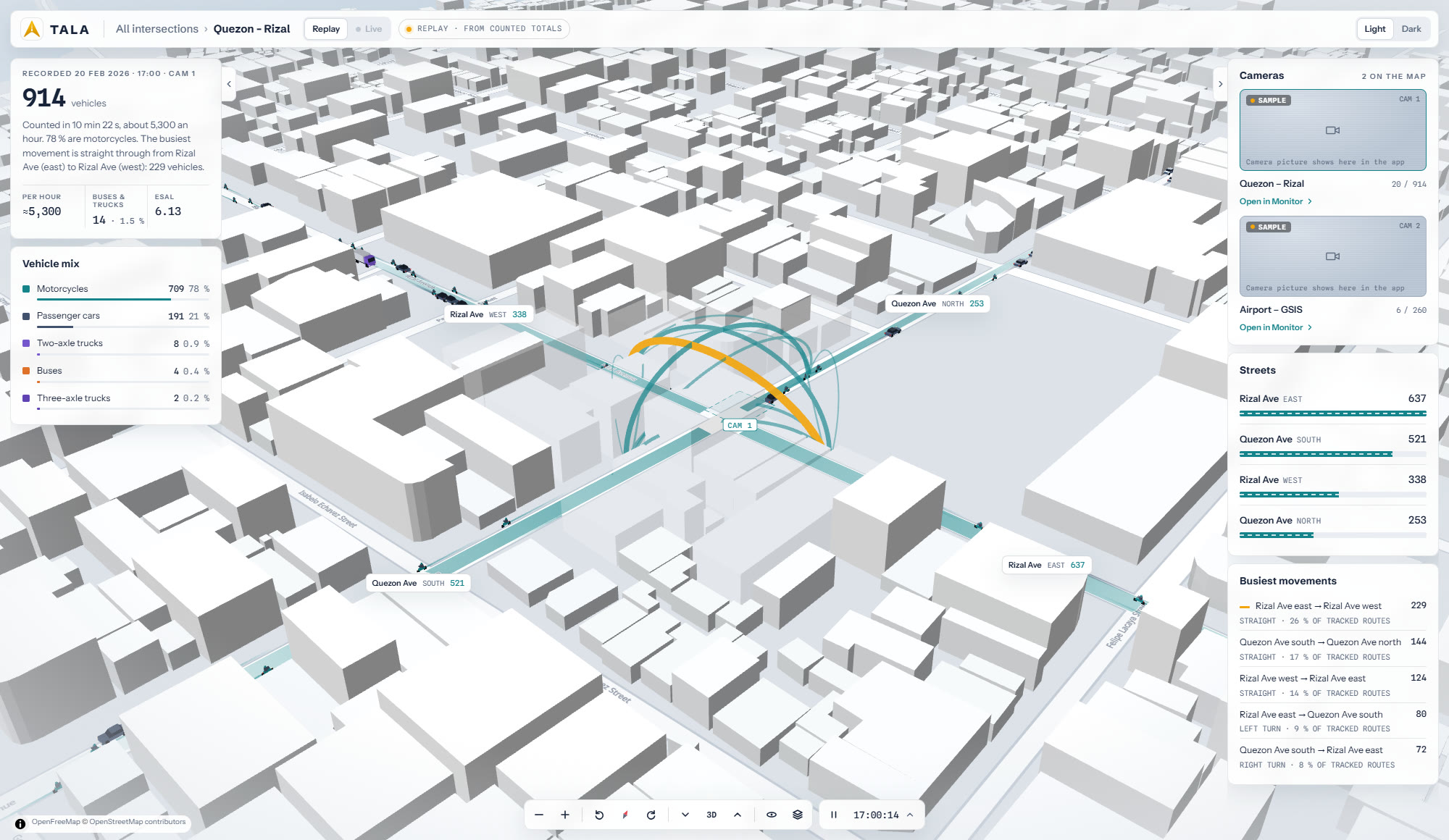
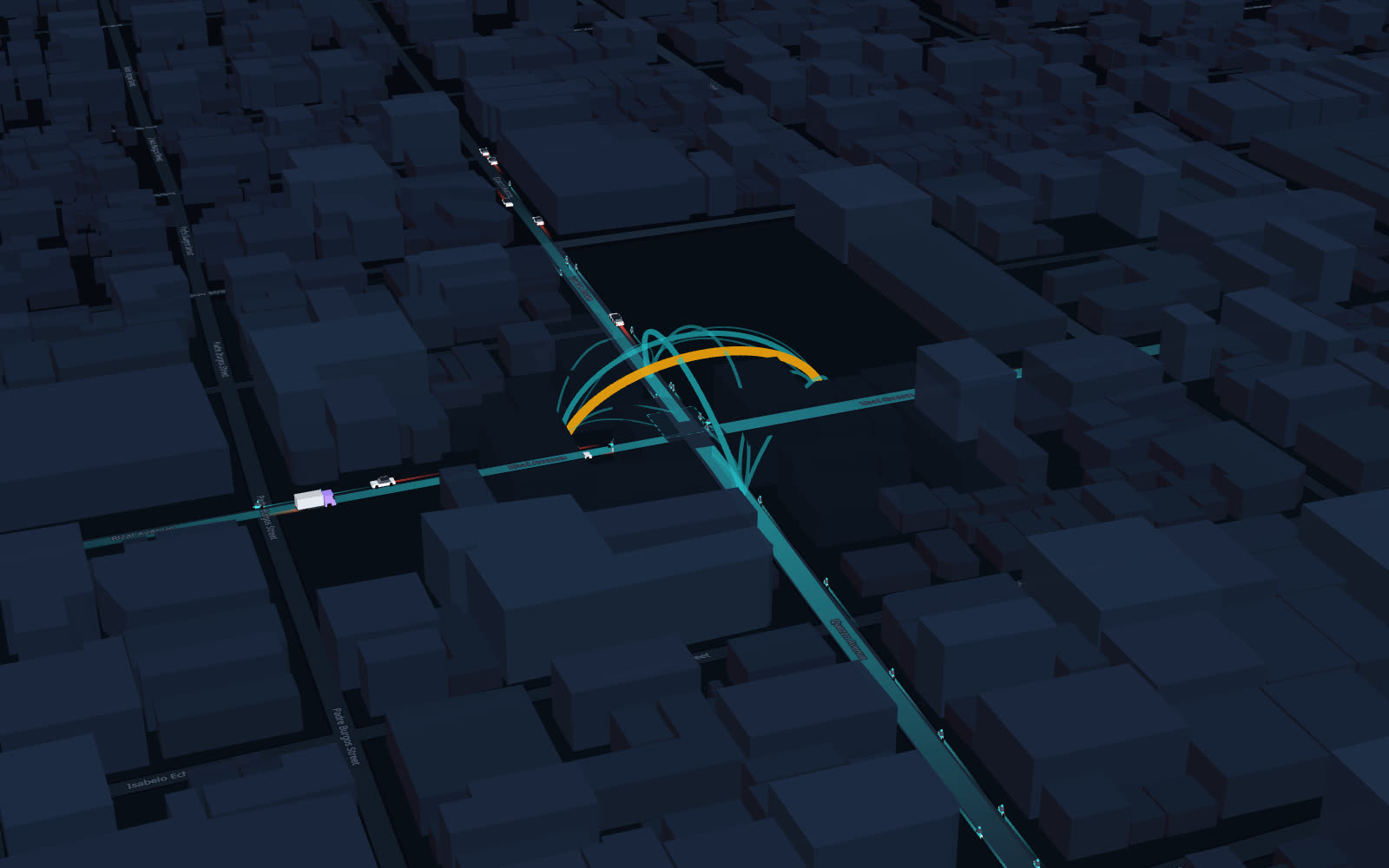
From one intersection to the whole city: how many vehicles pass, what kind, where they go, and how much wear they put on the road. In plain numbers anyone in the office can read.
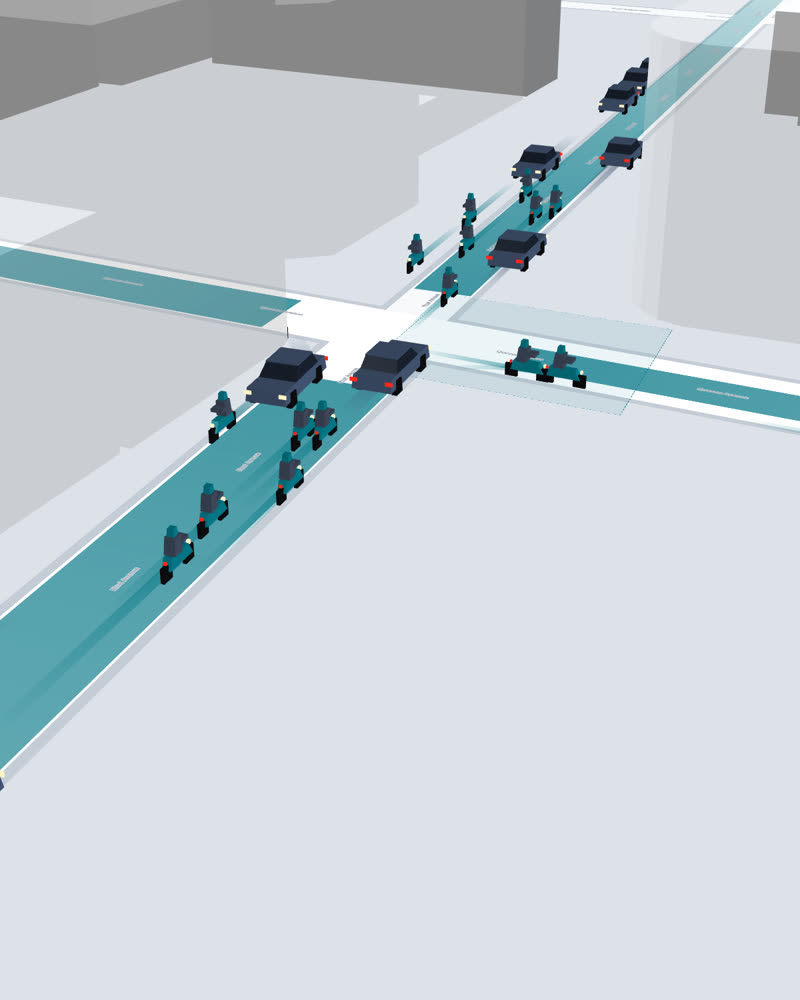
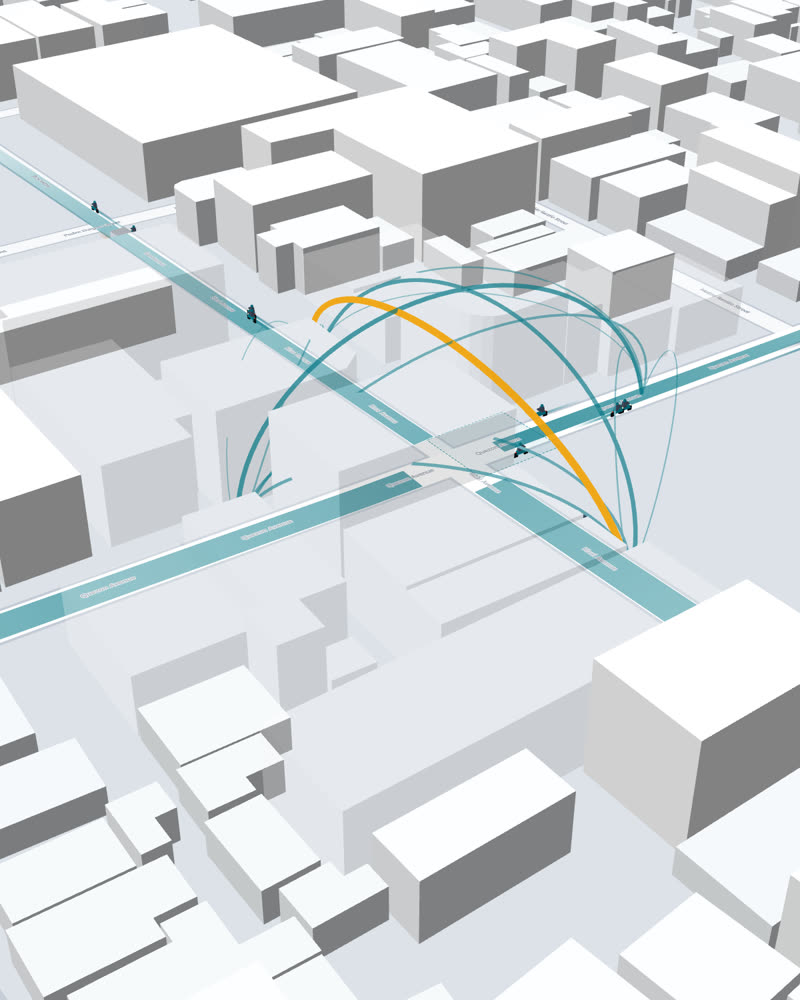
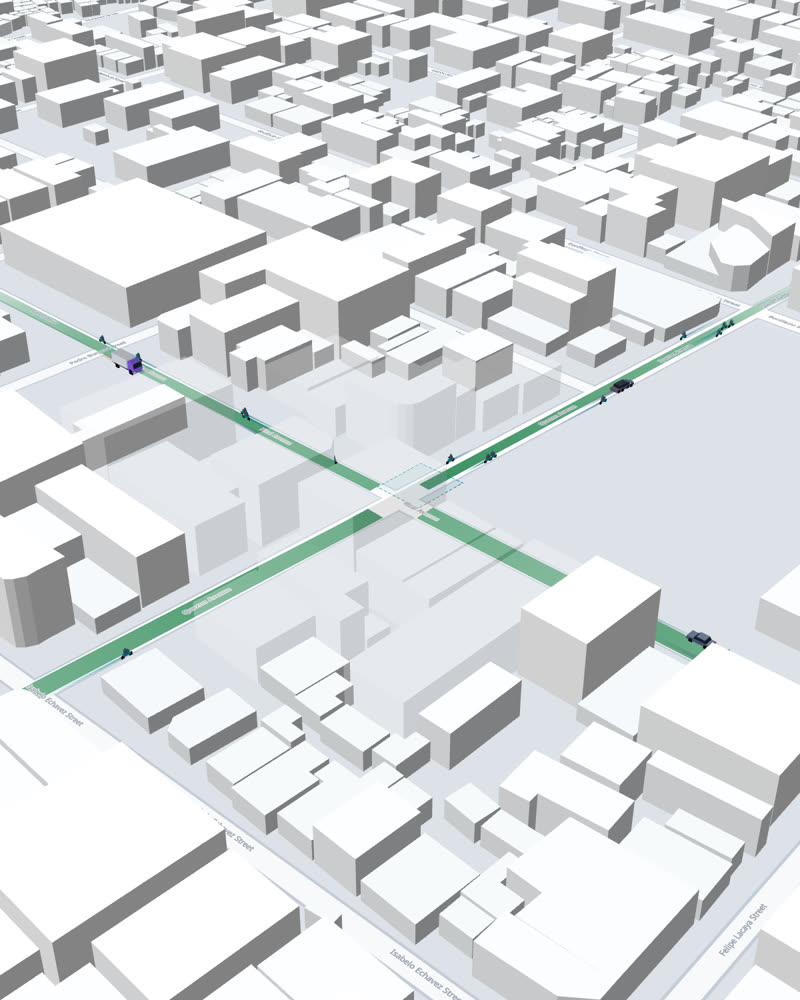
 TALA desktop appcounts on your own computer
Install TALA on a Windows computer and point it at a CCTV camera or a recorded video. No new equipment.
TALA watches the video and counts every vehicle by type, and which way it goes.
One click sends the counts to the dashboard. Uploading twice never counts anything twice.
See which roads are wearing out fastest, the busiest hours, and where vehicles go.
Your counts stay on your computer. Only the totals go to the dashboard.
 TALAManual counting
The counting station: install it on the computer that has your camera feeds or videos. Then sign in to the dashboard from anywhere.
Sign in to downloadThe installer is in your Account page on the dashboard. Accounts are created by your TALA administrator; no account yet? Email us below.
How every number is worked out, and how your office's data is handled, all in plain language.
How TALA counts vehicles, sorts them by type, follows where they go, and judges how worn each road is.
Read the docs →Your video stays on your computer; only totals reach the dashboard. Covered by the Data Privacy Act of 2012.
Privacy Policy →The terms for using the TALA desktop app and talaai.ph, for your office and its staff.
Terms of Service →TALA brings your cameras, counts and road condition into one place, so planning and repair budgets follow what is really happening on your streets.
 TALA
TALA
Use the account your TALA administrator gave you.
No account? Ask your TALA administrator — accounts can't be created here.
← Back to home
| Date | Length | Vehicles | Road wear added (ESAL) |
|---|
Accident detection (collisions, near-misses, stalled vehicles) and NCAP violations (red light, counterflow, illegal turns) will appear here once TALA starts syncing them.
To change your name, email or password, ask your TALA administrator.
Loading…